QuackDeck
AI flashcards that stick.
QuackDeck generates flashcards with AI, schedules them with FSRS, and imports decks you already have from Anki. It is local-first by design — cards live on your device, and syncing is something you switch on rather than something done to you.
Screens
5 from the app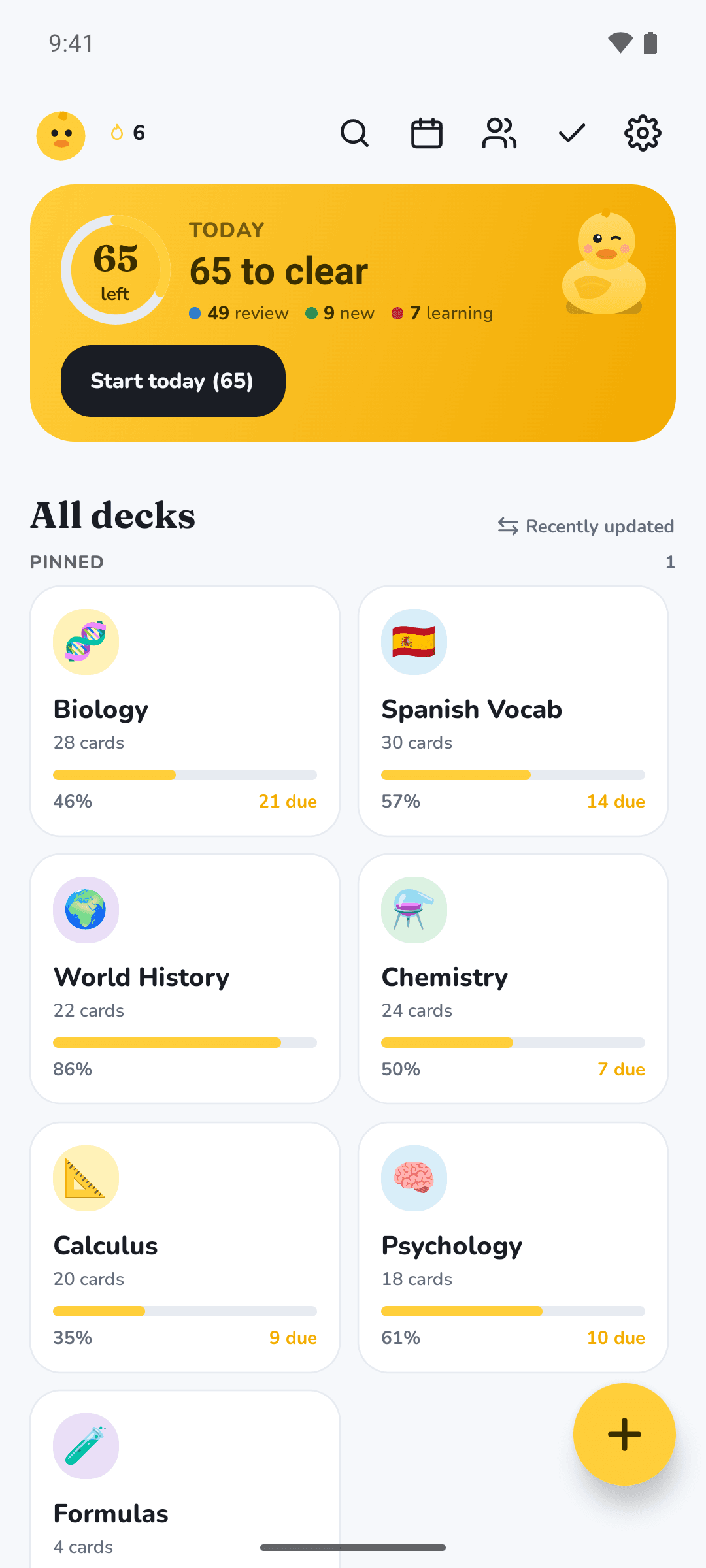
Today's whole review backlog 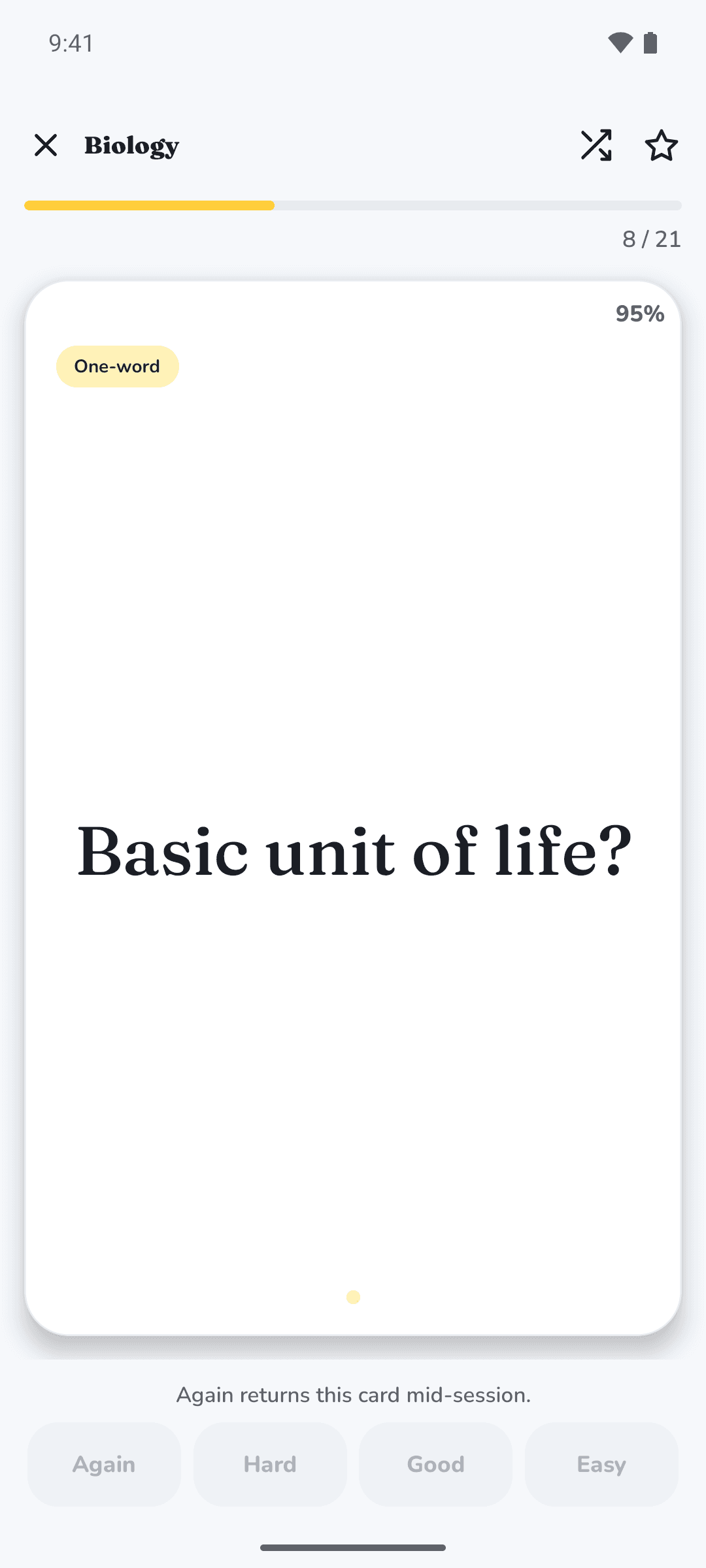
Asks, and hides the answer 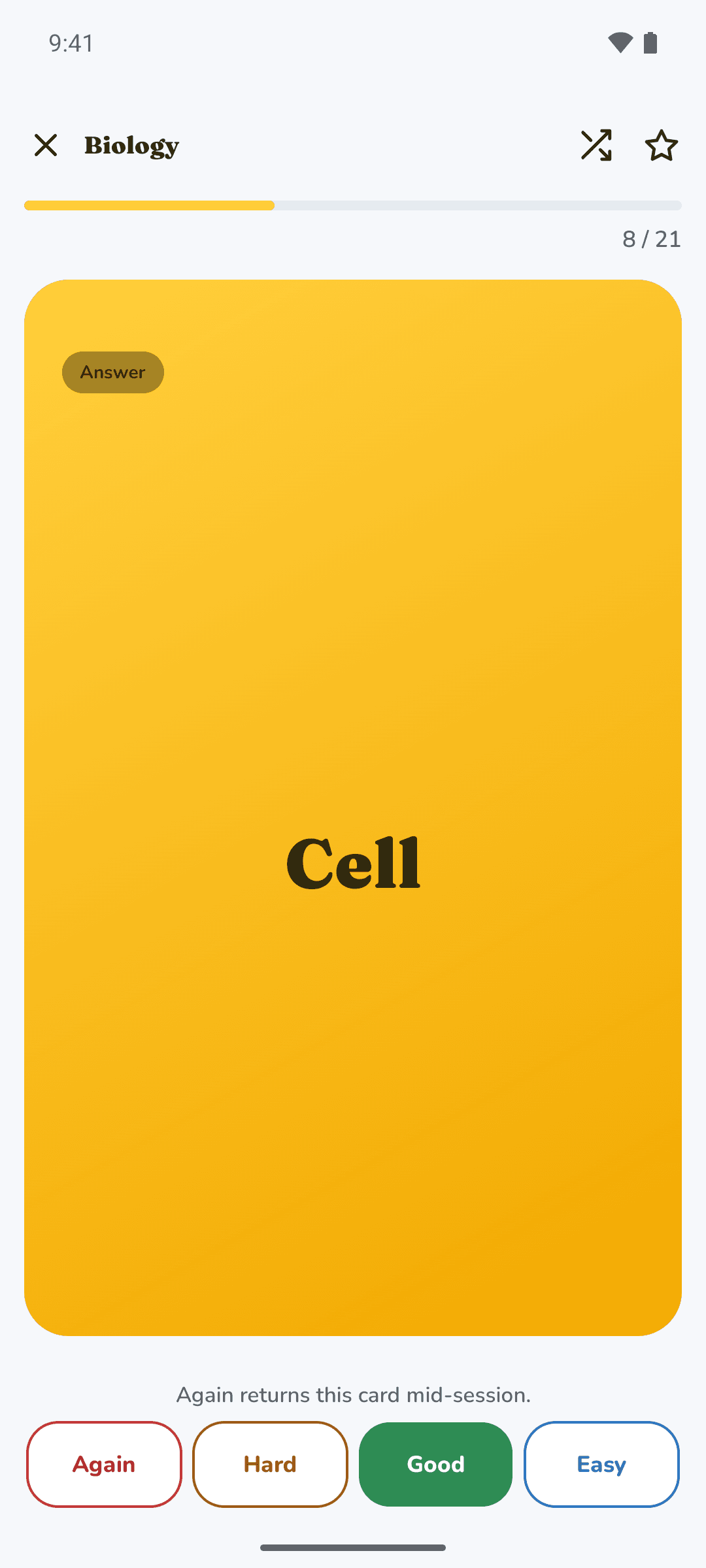
Grades recall, reschedules the card 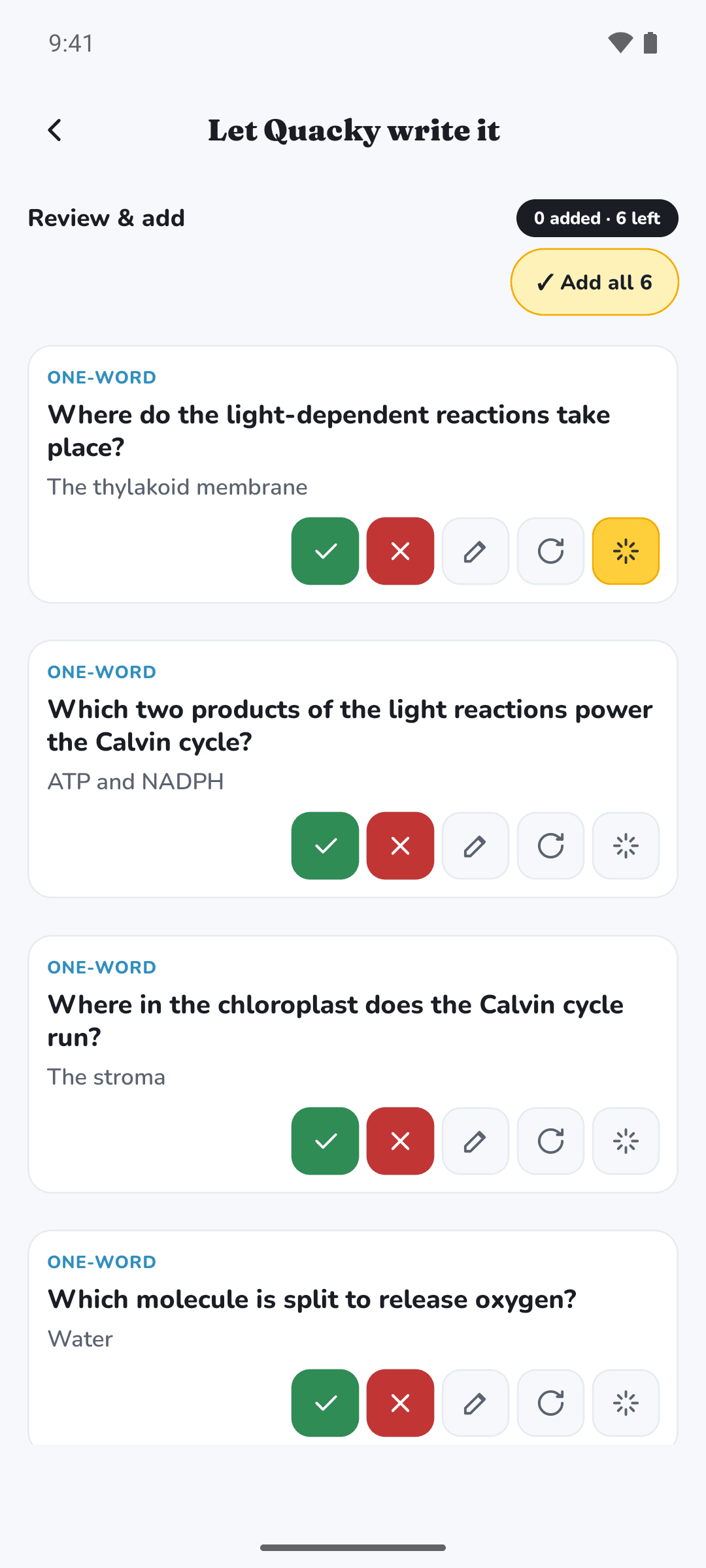
Turns pasted notes into cards 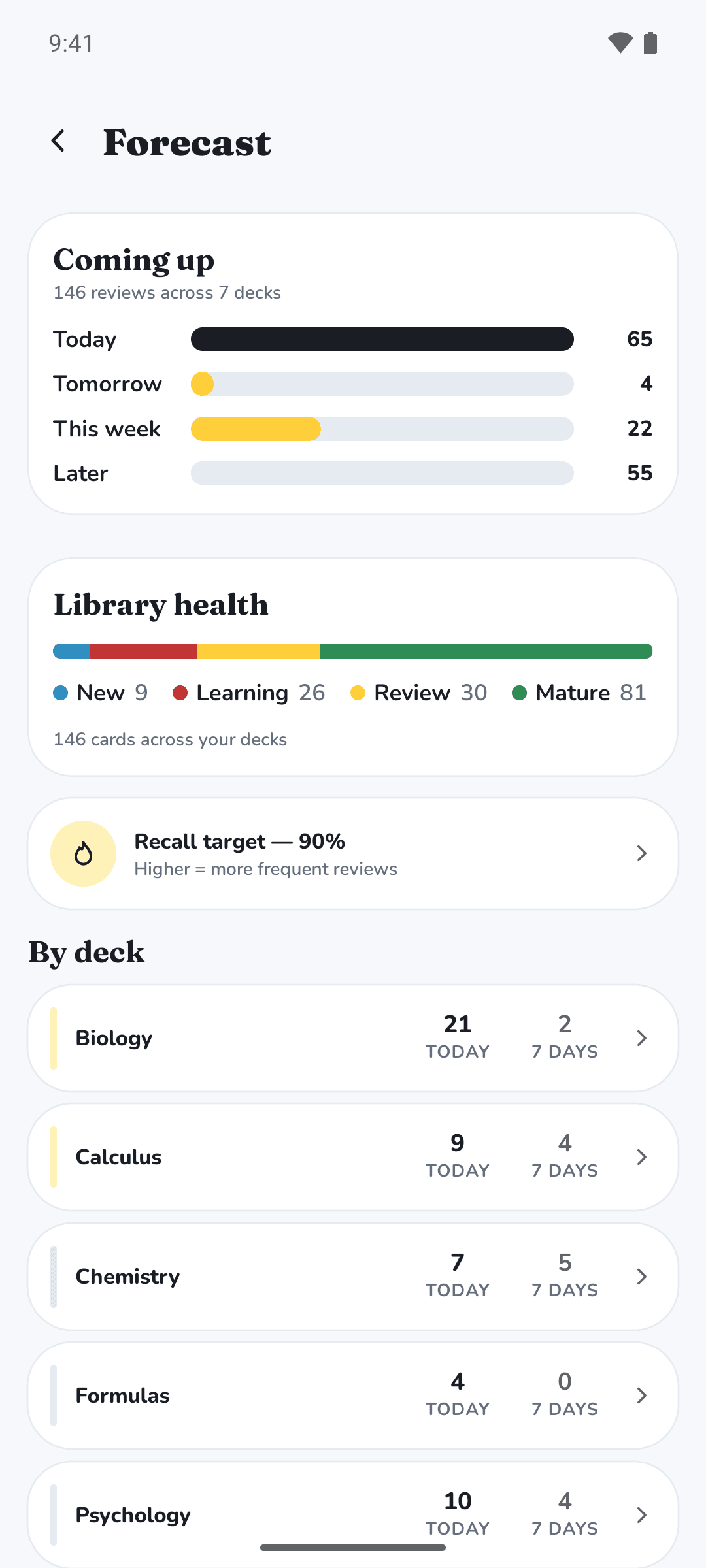
Forecasts workload and library health
Questions
Can QuackDeck make flashcards from my notes?
Yes. Paste in your notes and it generates flashcards from them with AI.
How does QuackDeck schedule reviews?
With FSRS-6, set to aim for 90% recall. There are no same-day learning steps: a new card's first interval is already whole days — 1 for Again, 2 for Hard, 3 for Good and 8 for Easy.
How quickly do the intervals grow?
Rate a card Good every time and it comes back after 3 days, then 14, 57, 196 and 586. That is not doubling: each gap starts at about 4.7 times the one before and settles toward twice it as the memory becomes stable.
Can I import my Anki decks?
Yes. QuackDeck imports the decks you already have in Anki, so you do not start from nothing.
Where are my cards stored?
On your device. QuackDeck is local-first, and nothing syncs to the cloud until you switch sync on.
Specification
- Package
- com.funstuff.quackdeck
- Scheduling
- FSRS
- Import
- Anki decks
- Storage
- Local-first
- Availability
- On Google Play